Offers
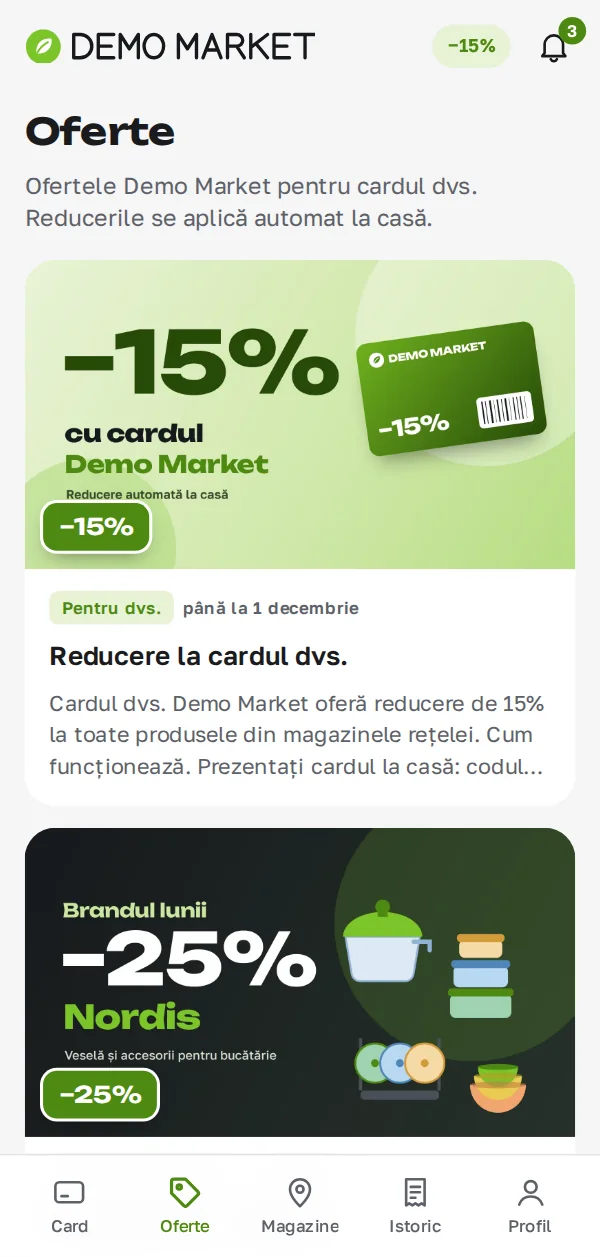
A card with a banner, an end date and a grid of products with old and new prices.
The loyalty card, offers, e-receipts and bonuses in the phone. No app store, in Romanian and Russian, in your store's own brand.
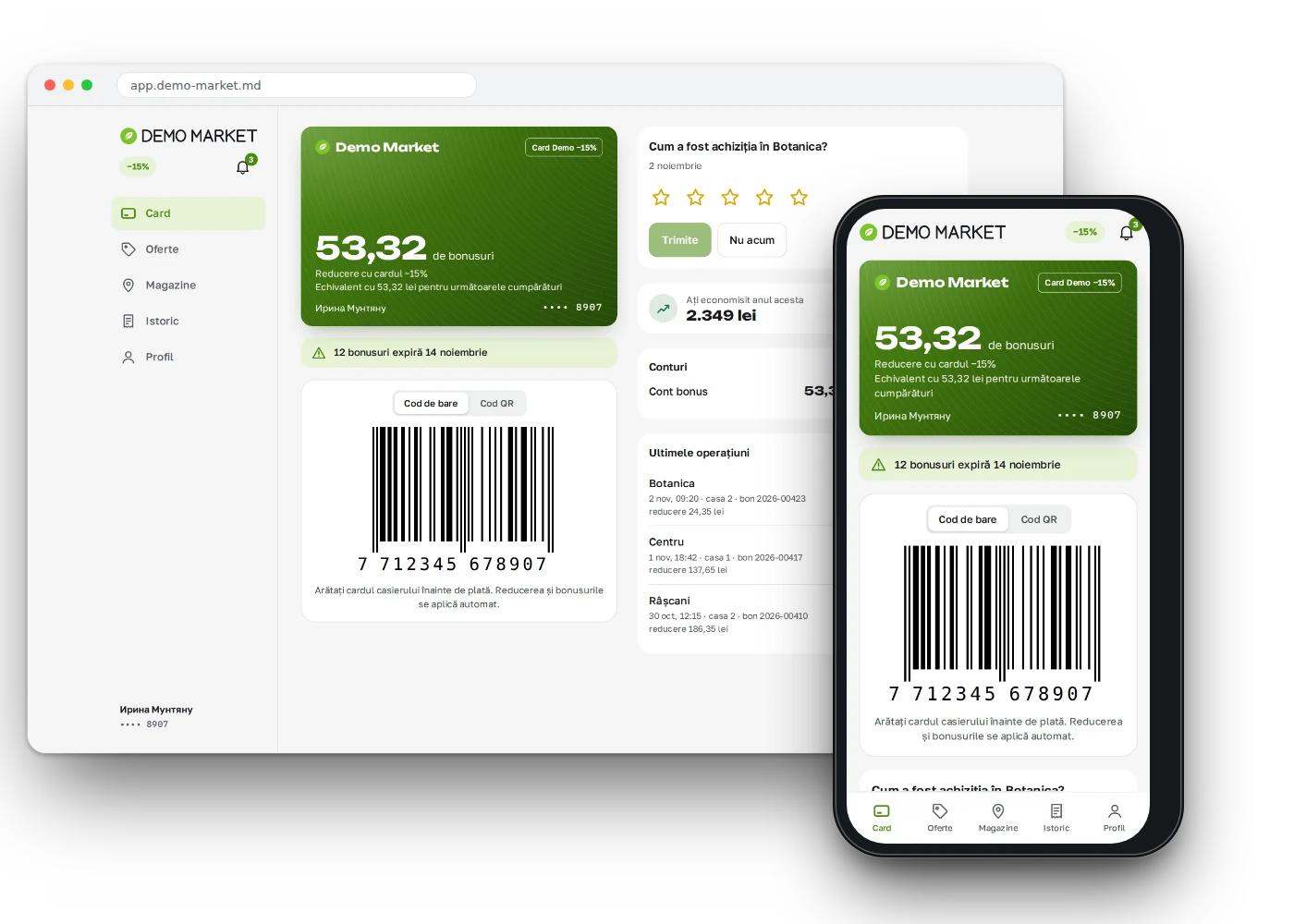
The customer app is a PWA: it opens from the browser and installs to the home screen, so no app store is needed. Inside are a card with barcode and QR, offers, e-receipts, bonuses and messages. The app has five sections.
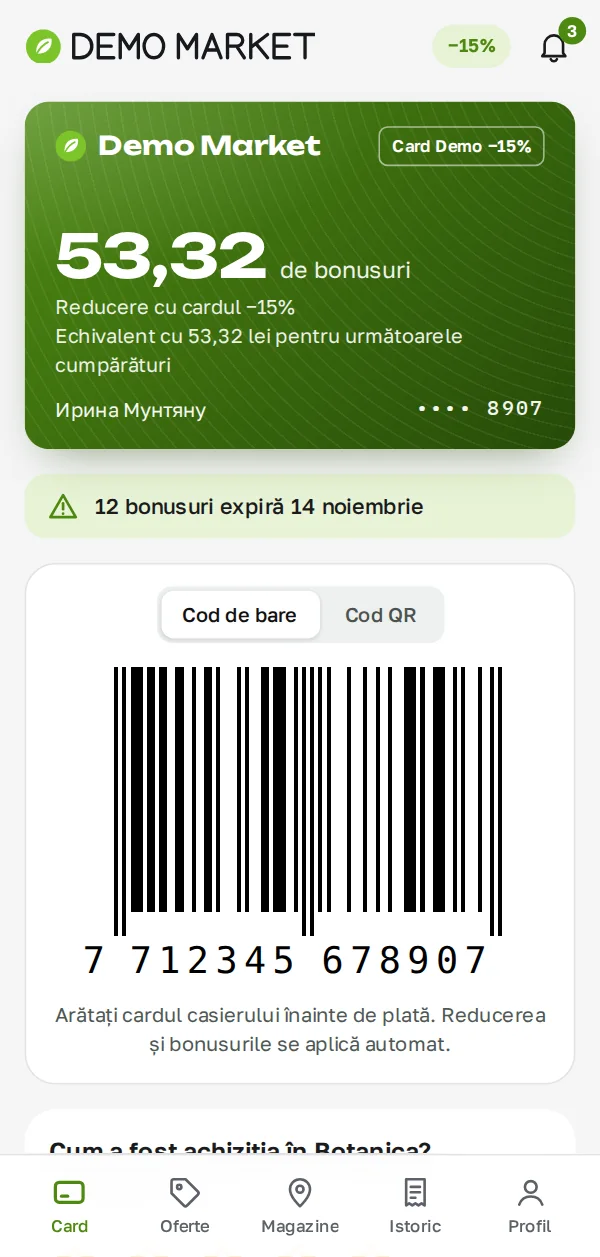
The card and its code open without internet: they are kept in the phone's memory, even in the basement next to the till. If the number has 13 digits with a valid check digit, a barcode is shown, otherwise a QR. The card screen shows the customer group badge, the bonus balance or the group discount, the last three operations and the purchase history. Time is shown in Chisinau time everywhere.
A card with a banner, an end date and a grid of products with old and new prices.
Products, price before and after the discount, the offer applied and the payment method.
Opening hours, "open now", "near me", call and directions, "my store".
A notification after a purchase and 7 days before bonuses expire. A sign-in from a new device appears only in the feed.
A question, complaint, suggestion or thanks, with a status and a reply. After a purchase the customer can give 1 to 5 stars.
Link an existing card with a PIN and sign in with the card.
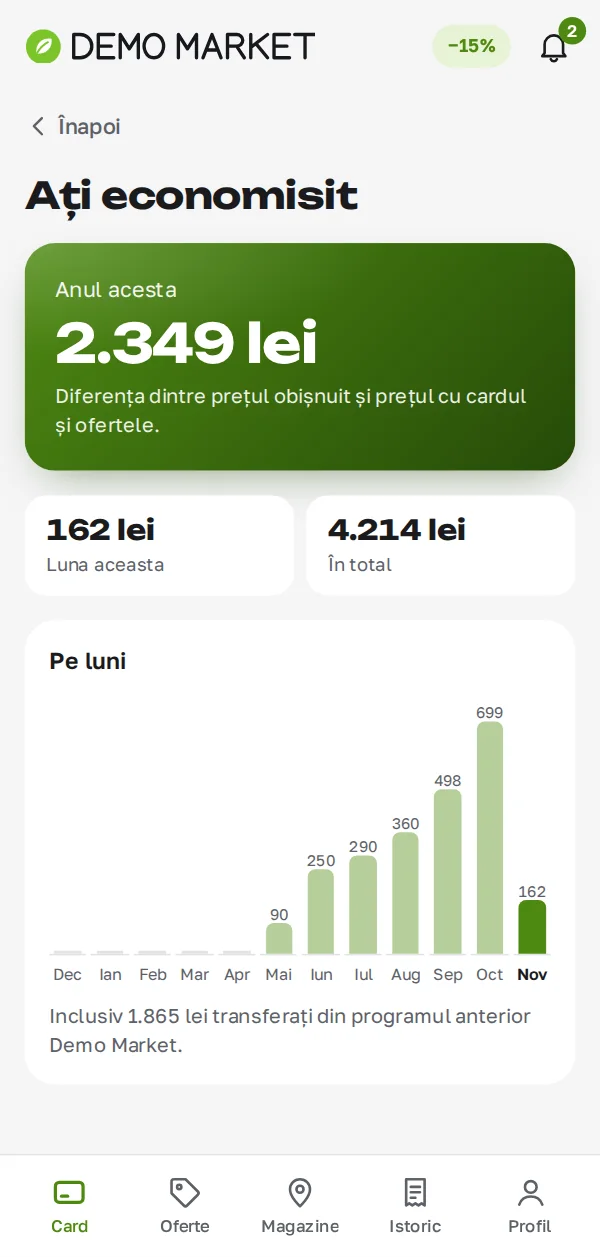
The customer sees how much was saved this month, this year and in total, with a 12-month chart. The bonus section shows the balance, the rate, the amount that will expire soon and the history of accruals, spending and expiry.
The customer enters an e-mail address.
A one-time six-digit code arrives by e-mail.
A new customer is asked for a name and a card.
The card, offers and bonuses are already on the screen.
An e-mail address and a one-time six-digit code. A new customer is asked for a name and a card.
Service notifications and "Offers and news". The advertising consent is off by default.
The list of devices that have signed in.
The customer can download all their data or delete the account.
More about data protection and Law No. 195/2024 is on the security page.
Try it now: the app demo runs on fictional data — any e-mail and any 6-digit code (Romanian and Russian interface). More Synngate demos are on demohub.md.
The app is styled for your store. Languages: Romanian and Russian, themes: light and dark. On a phone it looks like a mobile app, and on screens wider than 1024 px it becomes a portal with side navigation. Offers and mailings are prepared in the marketer's cabinet. There is a public demo mode with fictional data: you can try the app without creating a customer.
No. It opens in the browser and is added to the home screen.
With an e-mail address and a six-digit code, no password.
Yes, the card and its code open from the phone's memory.
Link it with the PIN. After that you can also sign in with the card.
A 30-minute conversation about your loyalty program, with no generic slides.